
The whole school office, on one system.
STARTO Student Tracking, Administration, Results, Timetables & Operations
Admission to leaving certificate — enrolment, the daily register, homework, marks, report cards, fees, the timetable and every certificate the office issues, kept in one place where the staff room, the front desk and the family all read the same record.
Runs on your own domain and your own server. Your data stays yours.
Built around what a school actually does each day
Not a set of loosely related tools. One record of a student carries through admission, class, register, marks, fees and the certificate at the end of it.
Admissions
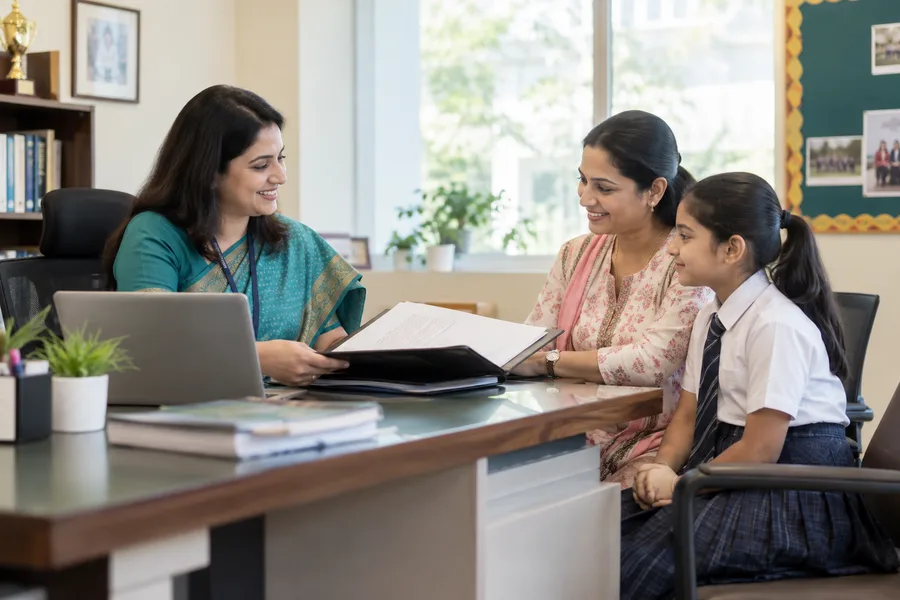
Enquiries captured from the website with a reference, triaged by the office, then admission with a permanent admission number and the family's details.

Students and families
One profile per child, guardians verified by the office, transfers, promotion, withdrawal and graduation — each kept as history rather than overwritten.

Attendance
The class teacher marks the register; the school calendar decides which days count; unmarked days are reported rather than quietly ignored.

Homework
Set per subject with attachments, published to the class as it stood that day, and readable by the family on a phone.

Assessments and results
Mark sheets per subject with approval before anything is published, weighted terms, and report cards kept as immutable versions.
Fees
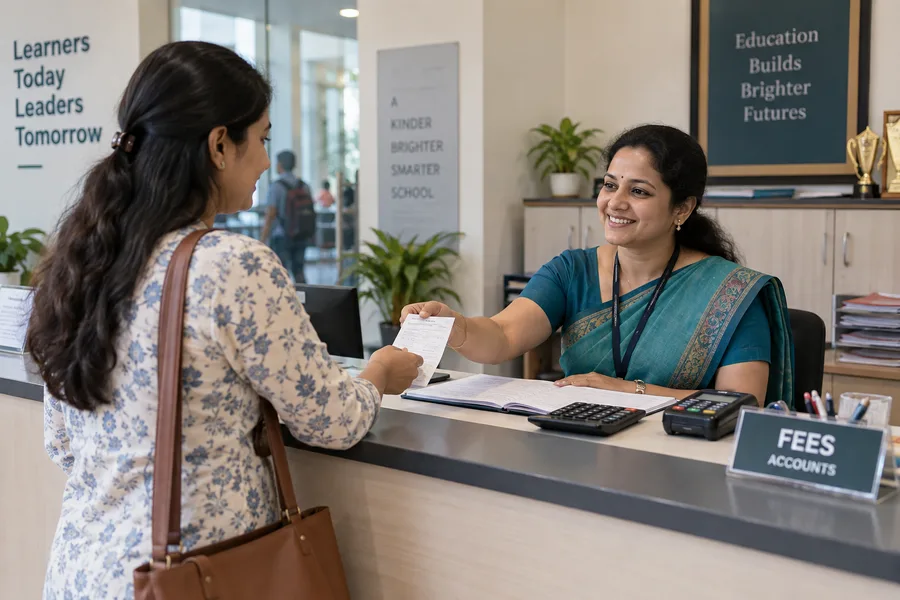
Schedules, invoices, concessions, part payments and numbered receipts with no gaps. Reversals are recorded, never an edit to an old row.
Timetable
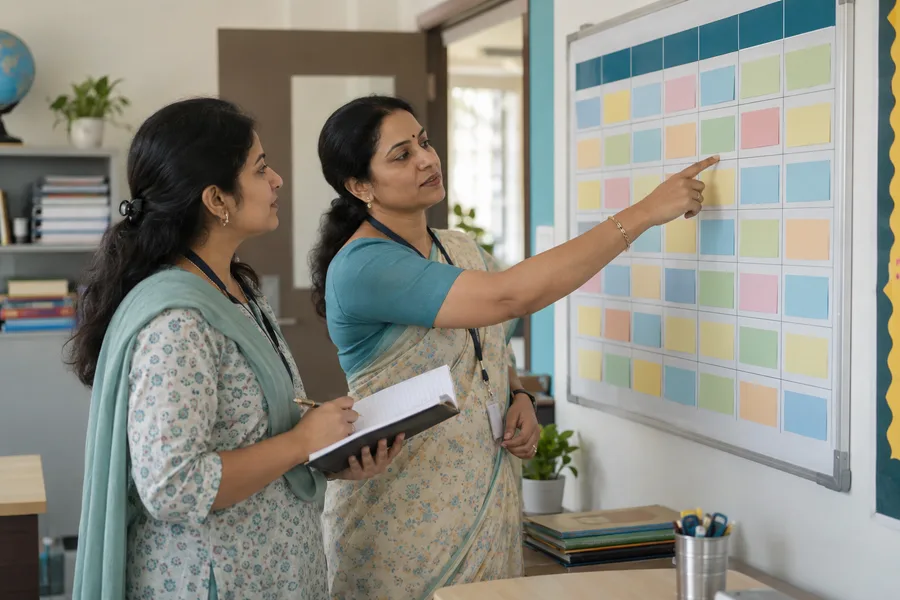
Bell periods and a weekly grid that refuses to put a teacher or a room in two places at once, and shows each teacher their own day.

Announcements and meetings
Notices addressed to a class, a year or the whole school with approval where you want it, and parent–teacher meetings booked against real free time.

Certificates
Bonafide, transfer, character and merit certificates: requested, approved, numbered, printed, and verifiable from the code on the page.
Set it up once, then it follows the school year
Open the year
Academic year, classes, sections and subjects. Staff are invited by email and assigned to the classes they teach.
Admit and enrol
Enquiries become admissions. Each child gets an admission number for life and a roll number for the year.
Run the term
Register, homework, notices, meetings, fee instalments — the day-to-day work, done by the people who own it.
Close and carry forward
Marks approved, results published, report cards issued, certificates printed, and the class promoted into next year.
The things that go wrong without it
Every one of these is a real day in a school office, and each has a deliberate answer in the way the system is built.
"Which register is the right one?"
Attendance lives in one place with one calculation. A correction after the editing window needs a reason and is kept beside the original — so there is always one answer, and you can see how it got there.
"The receipt book does not tie up."
Receipts are numbered in an unbroken run. Money is held in whole paise, never a decimal that drifts, and whoever took a payment cannot be the one to reverse it.
"Parents saw marks that were not final."
Nothing reaches a family until it is approved and published. The rule is written into the database query itself, not left to a screen to remember.
"A teacher can see the whole school."
A teacher sees the children in the sections they are assigned to; a parent sees their own children. Ending an assignment removes the access on the next click.
"Nobody knows who changed it."
Every record carries who created it, who last touched it, and when. Enrolments, payments and report cards are added to, never rewritten.
"Our data is on someone else's server."
It runs on the school's own hosting, on the school's own domain, with the database and the backups in the school's hands.
The school's public website, editable by the office
The site parents see — home page, about, academics, admissions, news and contact — is part of the same system. The office edits the hero, the sections, the news and the colours from the admin screens; no agency, no ticket, no waiting.
- Pages built from blocks: hero, statistics, cards, text, gallery, news, call to action.
- Theme colours and button styles set by the office and applied across the site.
- The contact form lands in the office's enquiry list with a reference number.
One system, two faces
The public website on the school's domain, and the staff and family portal beside it. Same records, different doors — a news item published in the office is on the website a second later.
Written to stay fast
Plain pages, no page builder bloat, and no dependency on an outside service to render them. They load on the connections parents actually have.
Built to be trusted with children's records
Encrypted at rest
Personal details, guardian contacts, medical notes and uploaded documents are encrypted in the database, tied to the row they belong to.
Two-factor for admins
Office accounts confirm sign-in with a code by email, and any account can be signed out everywhere in one action.
Nothing silently deleted
Records are archived with a reason. Payments are reversed by a counter-entry. Report cards are versioned, not overwritten.
Checked on install
A health check reports anything missing or misplaced — permissions, keys, configuration, reachable folders — before it becomes an incident.
Common questions
Do we need to move our data somewhere else?
No. It installs on your own hosting under your own domain. The database, the uploaded documents and the backups all sit on the server you control, and you can take a full copy at any time.
What do parents need to install?
Nothing. Parents and students sign in on the web, on a phone or a laptop. A desktop application for the office is planned and will use the same system.
Can we start mid-year?
Yes. Classes, sections and students can be loaded at any point; attendance and fees start from the date you choose, and earlier terms can be entered afterwards.
How long does setting up take?
The install itself is a guided page that asks for the database details and the school's name and finishes in minutes. Loading classes, staff and students is the real work, and we do it with you.
Is it billed per student?
Yes — an annual licence sized to the number of students on roll, with a one-off setup. See pricing.
Have a look before you talk to anyone
A complete demo school is running right now, with a website, an office, staff, families and a year of records. Sign in as the head teacher and change something.