
A school's records deserve more care than most software gives them
Names, addresses, guardians, medical notes, marks, money. If that list does not make you cautious, you have not thought about it hard enough. Here is what the system does about it, in plain terms.
Encrypted in the database, not just on the wire
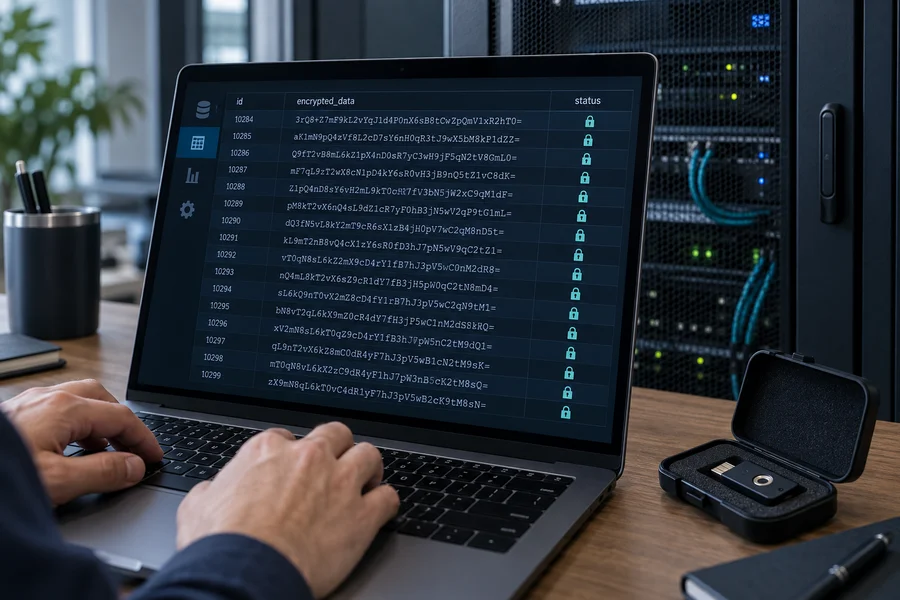
HTTPS protects data in transit; it does nothing for a stolen database backup. Personal details, guardian contacts, medical notes, meeting notes and uploaded documents are encrypted in the columns they live in.
- Modern authenticated encryption, with the algorithm recorded in each value so it can always be read back.
- Each value is bound to the row it belongs to — a ciphertext copied into another record will not decrypt.
- Keys live in a file outside the web root, readable only by the account that runs the site.
- Looking someone up by email still works, through a keyed index, without storing the address in the clear.
- Passwords are hashed with a memory-hard algorithm, and upgraded automatically when the server can do better.
Who can see what is decided in the query, not on the screen
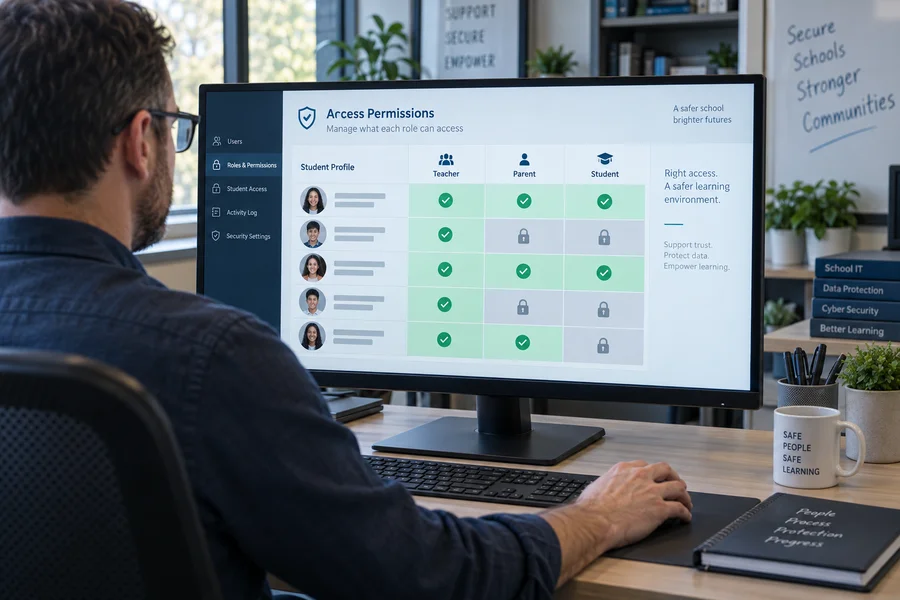
Most leaks are not break-ins. They are a screen that forgot to filter. So the rule about which students a person may see is part of the database query itself, in one place, applied to every student question the system ever asks.
- A teacher sees the students in sections they are currently assigned to.
- A parent sees children they are linked to, where the office has verified the link.
- A student sees their own record.
- Out of scope returns "not found", never "not allowed" — the second answer is itself information.
- Revoking a link or ending an assignment takes effect on the very next request.
- Which fields of a record you see depends on your relation to the child; hidden fields are absent from the response, not hidden by the page.
Sign-in that assumes someone is trying
Because someone always is.
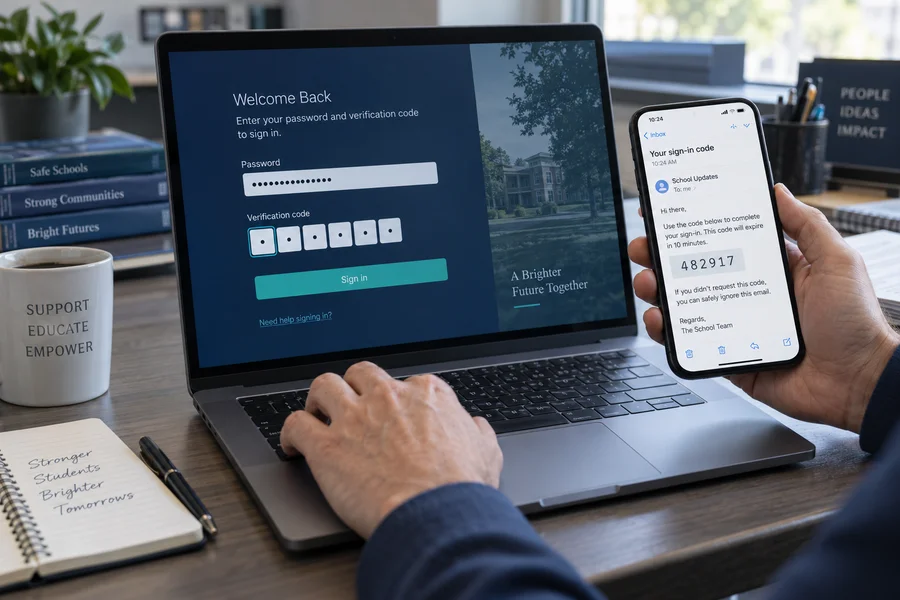
- A code by email for office accounts, on top of the password.
- Rate limits on sign-in, password reset and anything else worth guessing at.
- Sessions bound to the browser, renewed on sign-in, and revocable everywhere in one action.
- Invitations and reset links are single-use and short-lived.
- Accounts can be suspended, restored or deactivated without deleting the person's history.
History that cannot be quietly rewritten
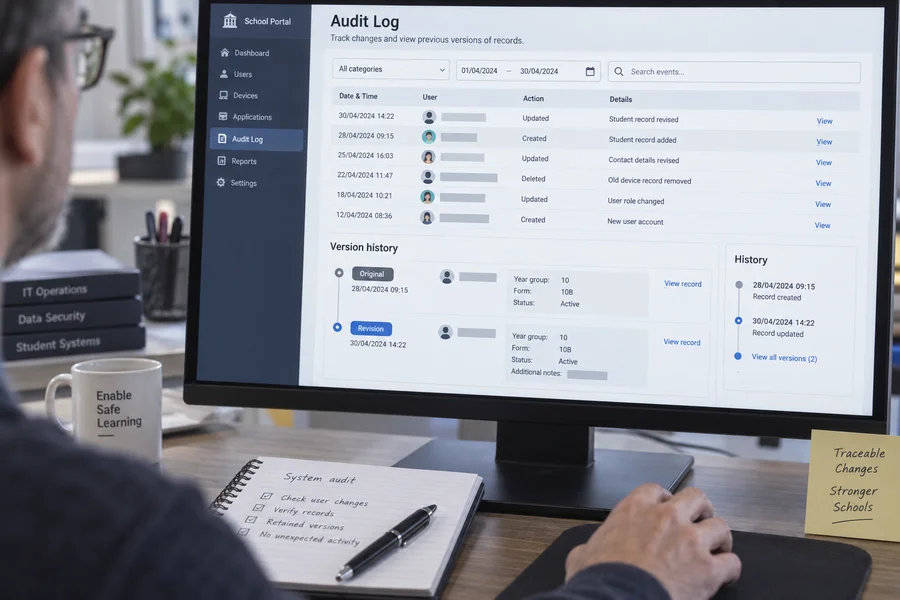
The question after an incident is never only "what does it say now" — it is "what did it say before, and who changed it". The schema is built to answer the second one.
- Every table records who created a row, who last changed it, and when.
- Enrolments are added, never edited — last year stays readable.
- An attendance correction is written beside the original, with a reason.
- A payment is reversed by a counter-entry; no row in the money trail is ever edited.
- Report cards are immutable versions; a changed card becomes version two, with a reason.
- Archiving keeps the record and the reason rather than deleting it.
Written against the usual list of attacks
The OWASP top ten is not a certificate you buy; it is a list of the ways web software actually gets broken. The code was reviewed against it, and the defences are structural rather than sprinkled on.
- Every database call is a prepared statement — there is no string-built SQL.
- Nothing from the server is ever written into a page as markup, so a name cannot become a script.
- A content security policy on every page and every API response.
- Cross-site request forgery tokens on browser sessions; the API refuses requests from other origins.
- Uploads are checked for what they actually contain, images re-encoded, and files served only after the reader's right to them is re-checked.
- Errors give a reference number, never a stack trace, a query or a path.

It is your data, on your server
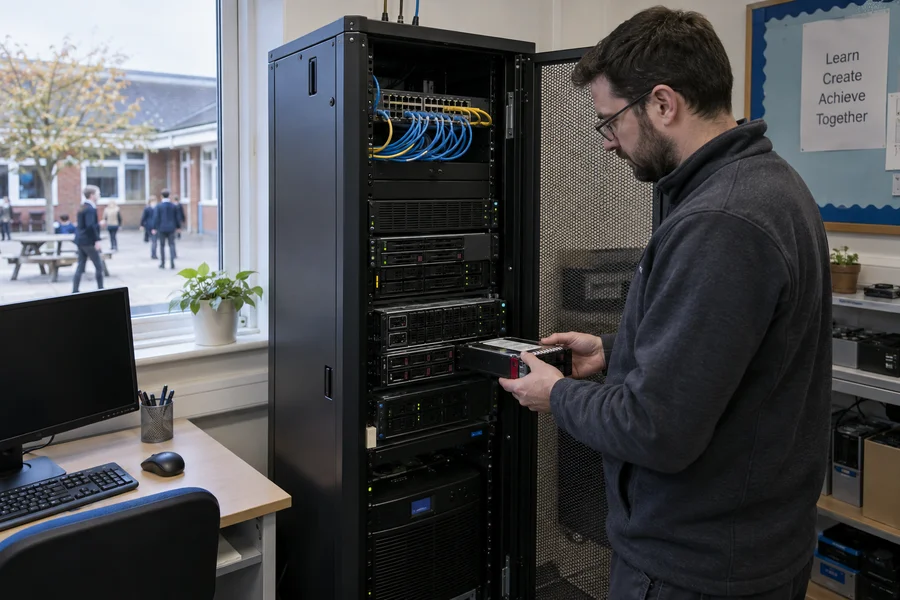
There is no central database of other people's schools. Your installation is yours: your hosting, your domain, your database, your backups.
- Private folders sit outside the web root, so they are protected by where they are, not by a rule that can be switched off.
- Backups run on your server and you hold them.
- A full export whenever you ask for it — including if you leave.
- No analytics, no third-party scripts and no fonts fetched from someone else's server.
Telling us about a problem
If you think you have found a security weakness, please write to hello@startosoft.com with enough detail to reproduce it. We will confirm we have it, tell you what we find, and credit you if you would like that.
Please do not test against a school's live installation. The demo exists for exactly this, and nothing on it is real.
Checked on every install
A health check runs against a deployment and reports what is wrong before anyone else finds it: file permissions, configuration left in development mode, missing encryption keys, a private folder reachable over the web, an installer left behind, a queue that has stopped, a receipt run with a gap in it.
The same report is a screen in the admin area, so it is looked at more than once.
Bring your IT person to the walkthrough
We would rather answer the hard questions early than discover them at go-live.